Upload Clearances
08/24/2024
These instructions provide the student with an overview on uploading their clearances for the Educator Prep Program.
- To begin the process of uploading clearance documents, it is best to have them ready for upload in a PDF format and clearly named as a particular type of clearance. (ie: PA Child Abuse 2026)
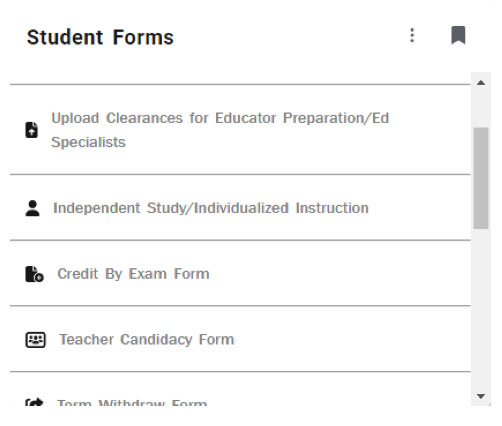
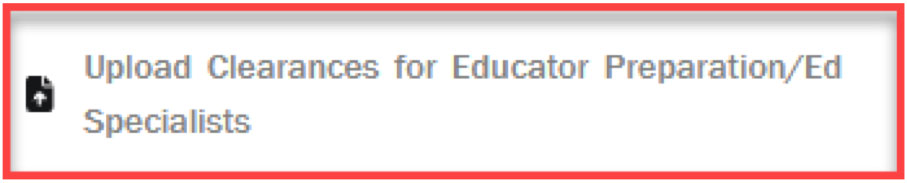
- From the RamPortal Homepage, click on the Student Forms card.
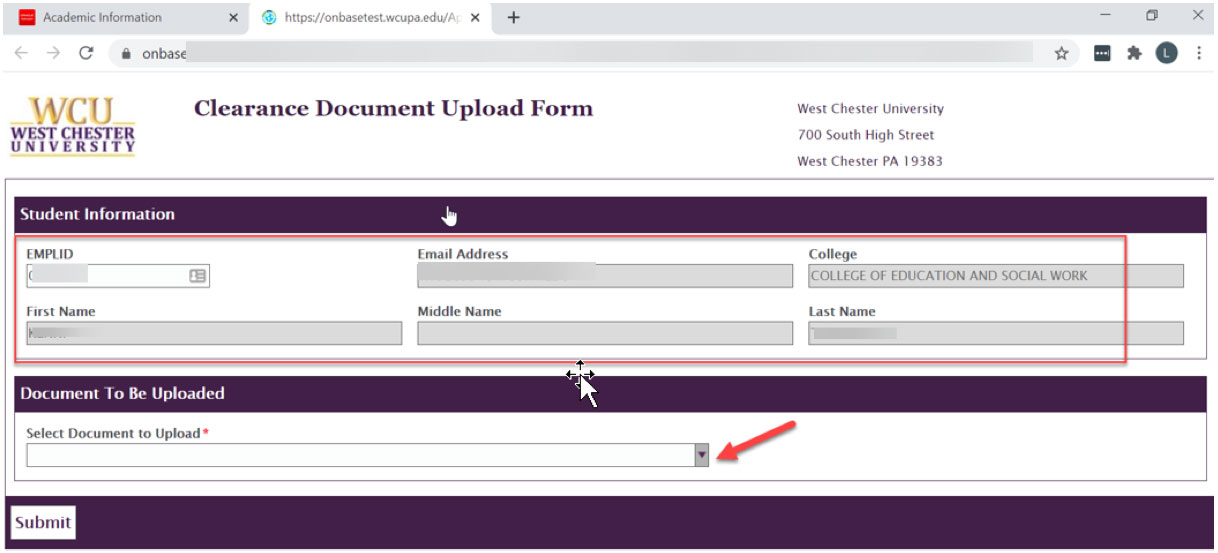
- The form will appear with your personal information loaded in the correct fields.
The College of Education and Social Work will appear for the College. To upload a
document, choose from the drop-down list the type of clearance that will be uploaded. You will need to repeat this process for each of the five clearance items.
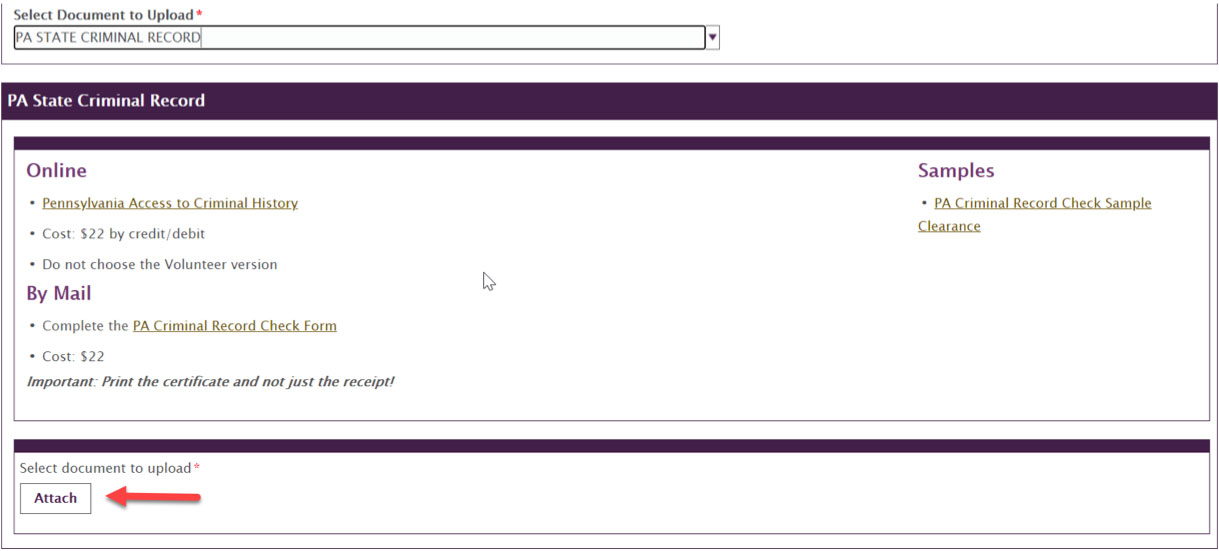
- In the example below, PA State Criminal Record was chosen, so a description for this
type of clearance appears in the box. Click “Attach”, the file browser will appear
so that the appropriate clearance file can be chosen. The file will say "Pending" next to it until you click SUBMIT (See Screenshot below).